How to Fire Your Ad Agency Without Losing Data
Do the audit before you give notice. That ordering decision is worth more than everything else on this page. The moment you say you are leaving, your access stops being routine and becomes an administrative task assigned to whoever has time. Files arrive slower. The person who knew your account moves on. Nothing malicious has to happen for you to lose your conversion history.
So the sequence below runs in a specific order: everything you can verify and export quietly comes first, notice comes at step 13, and revoking access comes near the end. Plenty of people leave good agencies for ordinary reasons. The runbook is the same either way.
The order of operations, compressed
Audit what you own → export it → document it → decide where it lands → give notice → take ownership → move billing → revoke access → rebuild the gaps. If you remember one thing: never revoke access before you have confirmed you can log in without them.
Phase one: the silent audit (steps 1 to 12)
1. Read the contract first, not last
Find four things: the notice period (read the actual number rather than assuming 30 days), the auto-renew date, the work-product or IP clause, and any data clause. The IP clause tells you whether the creative and landing pages are yours or licensed to you. The data clause tells you what they must hand over. If the contract is silent on data, assume you get nothing you have not already exported. Put the renewal date on a calendar — giving notice three days after an auto-renew is an expensive scheduling mistake.
2. Establish who the platform bills
This is the ownership test and it beats every other signal. Open Google Ads billing and Meta payment settings and read the payment profile name and the last four digits of the card. If the billing entity is your legal business name, you own the account. If it is the agency, you have a login to something that belongs to someone else. We wrote the long version in who owns your ad account; it determines how much of the rest of this runbook is even available to you.
3. Check your actual access level on every asset
“I have a login” is not the same as admin. On Google Ads access runs from read-only through standard to admin, and only admin can add or remove users. On Meta the question is whether your personal profile has full control of the Business Portfolio, or whether you are a partner on someone else’s. List every asset and write your level next to it: ad account, manager account, Business Portfolio, Facebook Page, Instagram account, pixel or dataset, catalog, GA4 property, Google Tag Manager container, Search Console, Merchant Center. Anywhere you are not admin, you have a dependency.
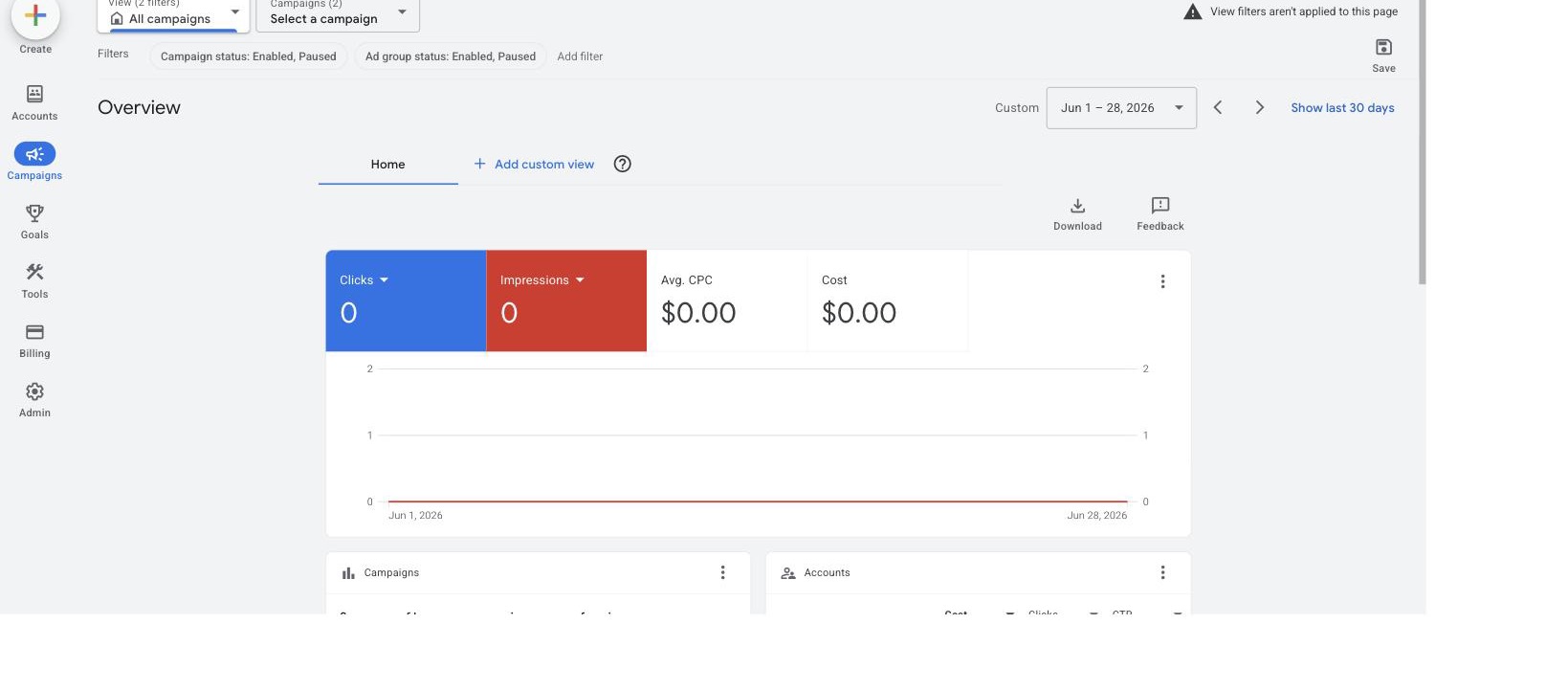
A Google Ads manager account (MCC) overview. This is AdFlint’s own manager account and it shows $0 spend, so read it as an illustration of where linked accounts are listed, not as campaign data. Agencies link your account to a manager like this; the link is what they remove on exit, and it is separate from ownership. Background: manager account (MCC).
4. Confirm who owns the conversion tracking
The pixel is usually the most expensive thing to lose, because it is the one asset that cannot be recreated with its history intact. On Meta, check which Business Portfolio the pixel or dataset sits in. If it is theirs and yours is a shared partner asset, the attribution history leaves when they do. On Google, check whether conversion actions were created at the account level or the manager level — manager-level conversions belong to the manager. Check the GTM container too: whoever owns it owns the deployment mechanism for every tag on your site.
5. Find out where the audiences live
Custom audiences, customer lists, lookalikes and remarketing lists sit under whoever owns the pixel, not whoever paid for the traffic that filled them. Sharing an audience is not owning it, and a shared audience can be unshared. Inventory every audience, its size and its definition: the definition is the part you can rebuild, the accumulated membership is not.
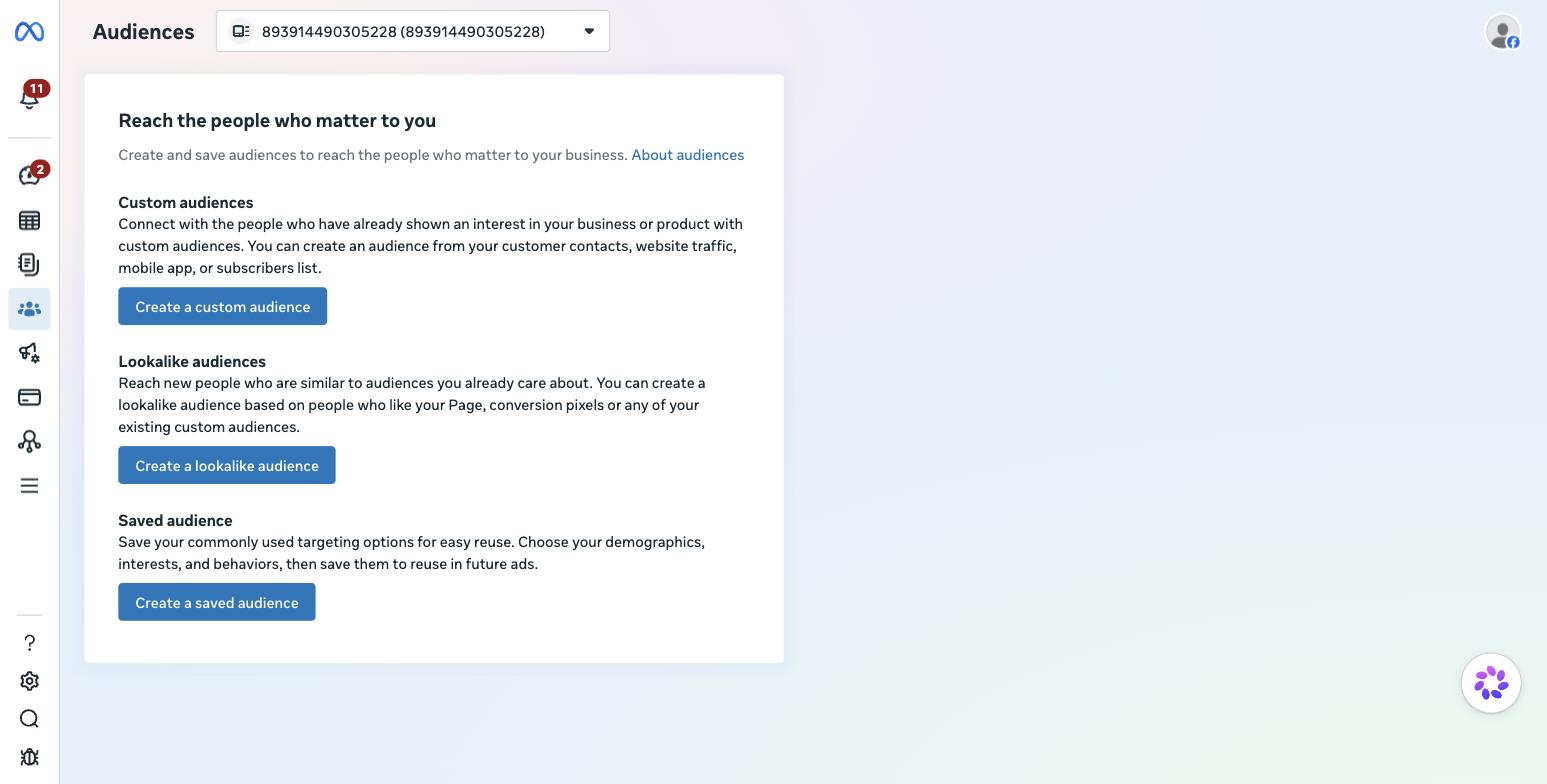
The Meta Ads Manager audiences view, included to show where audiences are listed rather than as performance data. Record the name, source and rule for each one before you give notice.
6. Verify the Page, domain and catalog ownership on Meta
Domain verification is the quiet one. Meta no longer needs it for event setup, but whoever verifies your domain controls which advertisers can edit the links in ads that point to your site. If the agency verified it inside their Business Portfolio, ask them to remove it, then verify it in yours. Check the Page, the Instagram account, the catalog and the domain separately, because each can be owned or merely shared.
7. Export everything while access is still normal
Do this before anyone knows. At minimum, pull:
- 24 to 36 months of campaign, ad group, keyword, ad, placement and search term reports from Google Ads
- Campaign, ad set and ad reports from Meta, with the breakdowns you actually use
- Full negative keyword lists and any shared lists
- Conversion action definitions and settings, including attribution windows
- Audience definitions and sizes
- Billing and invoice history
Export CSV, not screenshots, and keep the raw platform exports rather than the agency’s slide decks. Decks are summaries; you will want the underlying rows when something is rebuilding bid strategy assumptions.
8. Document the structure, not just the numbers
Write down the architecture: naming convention, how budgets are split, which bid strategy each campaign uses and its target, the match-type strategy, which audiences are excluded where, and any scripts or automated rules. Then write down what was learned — which offers converted, which geographies were cut and why, which keywords were permanently negated. Learnings live in people, and those people are about to stop working on your account.
9. Collect the creative source files
Exported ads give you rendered output. Ask for layered source files, video project files, fonts, and raw footage or photography. This is where the IP clause from step 1 matters: if the agency retains the work product, you are licensing your own ads, and you need to know that before you plan a creative refresh.
10. Audit the billing plumbing
Whose card is on the platform, what is the billing threshold, is there an outstanding balance, and is any spend running through an agency credit line? Credit lines are a specific trap: moving to your own card can require closing and reopening a billing setup, and campaigns can pause during the gap. Check whether the retainer is a flat fee or a percentage of ad spend too, because it changes what the final invoice looks like.
11. Decide where the campaigns land on day one
Do not give notice without an answer. The realistic options are the native platforms, a new agency, or software that operates the accounts you already own. If you are weighing the third, our comparison of an agency versus an AI ad manager and the overview at running ads without an agency cover what actually transfers. Whatever you pick, confirm it works inside your existing ad account rather than requiring a new one — a new account restarts learning you spent months paying for.
12. Write the handover request as one document
One numbered list, one deadline, sent once. Include:
- Transfer of admin or owner on each named asset, listed individually
- Release of the pixel or dataset, and of the domain verification
- Transfer of the Google Tag Manager container, or a full container export
- Creative source files, project files and fonts
- The final invoice, the last billed date, and confirmation nothing recurs after it
A single specific document gets actioned. A series of Slack messages does not.
Phase two: the exit (steps 13 to 18)
13. Give notice in writing, on the contract terms
Email, dated, referencing the notice clause, handover document attached. Short and unemotional. State the effective end date and confirm campaigns keep running until then unless you say otherwise. Ambiguity here is how accounts get paused on the wrong day.
14. Take ownership before anyone is removed
This is the step people invert. Get to admin or owner on every asset first, confirm by logging in from your own browser profile, and only then unwind anything. On Meta that means your own Business Portfolio owns the Page, pixel and domain. On Google it means your account is standalone or linked to your own manager account. Removing the agency first is how people lock themselves out of their own pixel.
15. Move billing to your own card and confirm one successful charge
Add your payment method, make it primary, and wait for one real charge to post before removing theirs. A failed payment method on a live account can stop delivery within hours, and a campaign that stops delivering can re-enter the learning phase when it restarts. If billing is the agency’s and cannot be transferred, this is where you find out the account was never yours.
16. Freeze changes, then revoke access in order
Agree a short change freeze so nothing is edited while ownership moves. Then revoke in this order: remove agency users from the ad accounts, unlink the manager account, remove the partner from the Business Portfolio, revoke any OAuth or API tokens granted to their tools, remove them from GA4, GTM, Search Console and Merchant Center, and rotate shared passwords last. Check for service accounts and API connections, not just named humans. Those outlive the people.
17. Rebuild what you could not take
Some of it is genuinely gone. Set up your own pixel or dataset immediately, even if the old one transferred, so remarketing pools start refilling. Recreate audience definitions from your step 5 inventory. Rebuild conversion actions at your own account level. Re-upload customer lists from your CRM — that source is yours and is the fastest way back to a usable audience. Standardise tracking parameters while you are in there; our UTM builder keeps the naming consistent from day one.
18. Watch the first two weeks for tracking breakage
The common failures: conversions that stop recording because a tag left with the container, spend that climbs because a cap lived in the agency’s tool rather than the platform, and disapprovals nobody is watching. Check conversion volume daily against your own back-end numbers, not just the platform. If ads start getting rejected mid-transition, our notes on why ads get disapproved cover the usual causes.
What survives the exit, by asset
| Asset | Survives if you own the account | Survives if the agency owns it | Substitute if lost |
|---|---|---|---|
| Campaign structure | Yes | No, but exportable as a document | Rebuild from your CSV exports |
| Spend and performance history | Yes | No | Your exports, as reference not as platform signal |
| Bid strategy learning | Yes, if campaigns keep running | No | None. It re-learns from zero |
| Pixel or dataset history | Yes, if the pixel is in your portfolio | No, unless they release it | New pixel, refills over weeks |
| Custom audiences and lookalikes | Yes | No | CRM list upload, then rebuild lookalikes |
| Conversion actions | Yes, if created at account level | No, if created at manager level | Recreate, history does not follow |
| Creative source files | Depends on the IP clause | Depends on the IP clause | Reshoot or redesign |
| Ad account standing and review history | Yes | No | None. A new account starts cold |
Provenance: no measured figures and no benchmarks. The table summarises ownership mechanics as documented by Google Ads Help and Meta Business Help. We have not run an agency handover ourselves, so treat each row as a checklist to confirm in your own account settings, not as a tested result.
The honest part: if the agency owns the ad account, most of this is not recoverable
If the platform bills the agency, most of the runbook above does not apply. You cannot export history you cannot access, transfer billing on an account that is not yours, or take a pixel out of a Business Portfolio you were a guest in. You can ask, take what they choose to give, and rebuild from zero. Some agencies hand over generously. That is a favour, not a right, and it is worth naming rather than pretending you have leverage you do not have.
This is the entire argument for connected-account models, and it is why we built AdFlint that way. On a connected model you create the ad account, your card pays Google and Meta directly, and access is granted by OAuth — so you revoke it yourself, with no cooperation required from anyone. The same is true of a good agency that insists you own the account; the model matters more than the vendor. For the mechanics of the other model, read managed ad accounts explained.
Where AdFlint fits, stated plainly
AdFlint runs Google Ads and Meta inside accounts you own. We do not pool customers into a provider-owned account. The self-serve plans are a flat monthly fee with 0% markup on ad spend — your card pays the platforms directly: Launch $40 for up to $1,000 a month in spend, Growth $89 up to $2,500, Scale $109 up to $5,000, Accelerate $119 up to $10,000, Performance $219 up to $20,000, Premium $319 up to $30,000, quoted above that. The separate done-for-you Managed tier is priced differently: a monthly fee plus a share of the ad spend it manages, priced per account and set up by our team, so the 0% markup line does not describe it. Monthly plans start with a 7-day free trial. Detail on pricing, and the case for the model at ads without an agency.
What we cannot tell you is how it performs against your current agency. AdFlint has no published performance record, so we have no ROAS figures, no case studies and no client results. What we can say is structural: because the account stays yours, leaving AdFlint is the same short process as step 16, and nothing in the table above changes column. If you are comparing the two paths, AdFlint versus agencies lays out the trade-offs without claiming results we do not have.
The one-line test for your next provider
Ask: if I leave in 90 days, what do I keep? If the answer requires their cooperation, you are renting. If it is “everything, and you revoke our access yourself,” you own it. Ask before you sign, because that is the only moment you have leverage — and it is the question that decides whether you ever run this runbook again. More on the alternative at ads without an agency.
Related guides
DIY vs Agency vs AI: What Ad Management Costs
At $1,000 a month in spend an agency can barely pay for itself; at $20,000 it can. DIY is cheapest only if your hour is worth under $14. Assumptions shown.
What a PPC Retainer Actually Buys You Each Month
A PPC retainer buys hours. A line-item breakdown with estimated time per task, how to read Google and Meta change history, plus 5 questions to ask.
Ad Agency vs AI Ad Manager: How to Choose
They solve different problems. An agency sells judgment and creative; an AI ad manager sells execution. How spend, complexity and ownership decide.
Compare the options
Skip the learning curve
AdFlint writes, launches, and optimizes Google and Meta campaigns inside the ad account you own — you approve every ad, and hard budget caps protect your spend. 7-day free trial.
Free tools: ad copy generator, ROAS calculator, budget calculator · ads by industry